The Edit Profile option is found in the My Account menu on the Class Management page. 
Clicking it takes you to a screen showing how your name appears in the system and a list of your current classes.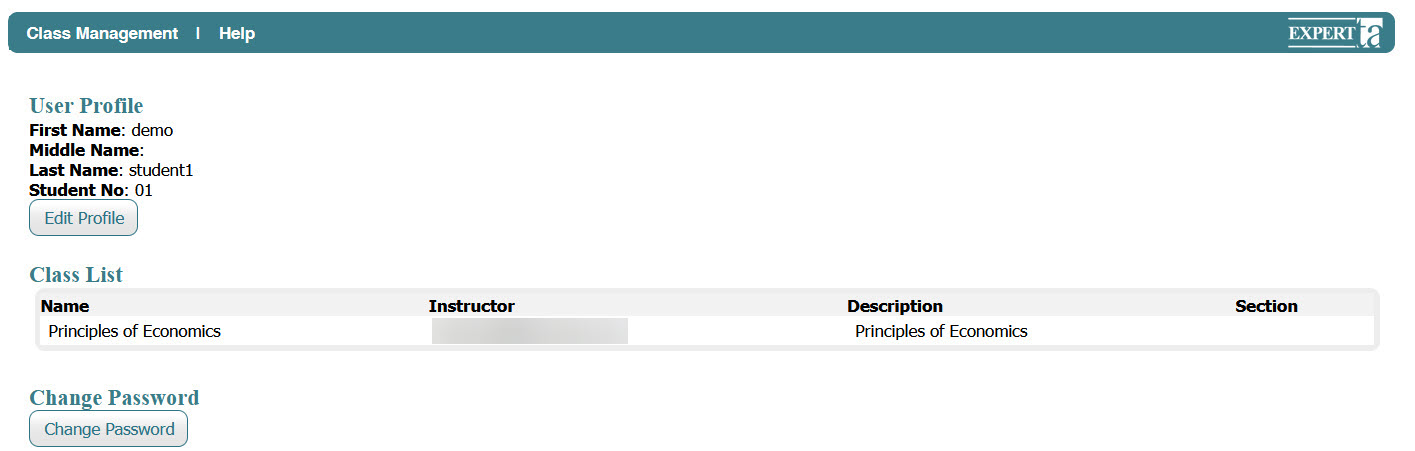
If you need to update your name or student ID after registration, click the Edit Profile button on this screen. A new page will open where you can edit your First Name, Middle Name, Last Name, and Student ID/NO.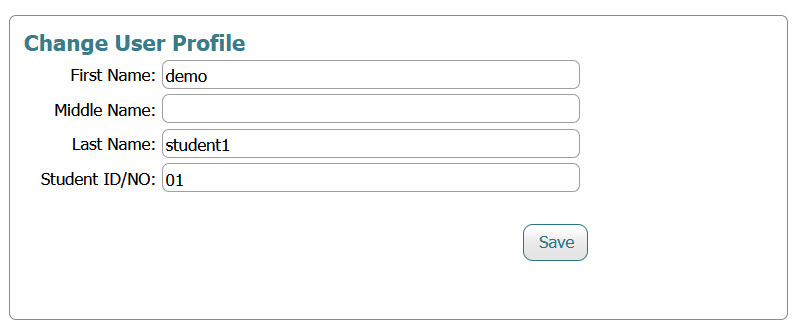
When you have finished making changes, click the Save button to apply your updates.
Was this article helpful?
That’s Great!
Thank you for your feedback
Sorry! We couldn't be helpful
Thank you for your feedback
Feedback sent
We appreciate your effort and will try to fix the article