When accessing assignments through your LMS (such as Canvas, Blackboard, Moodle, or Brightspace), it is important to always use the assignment link provided in your LMS.
If you do not access an assignment through this link, you may see a warning message in Expert TA.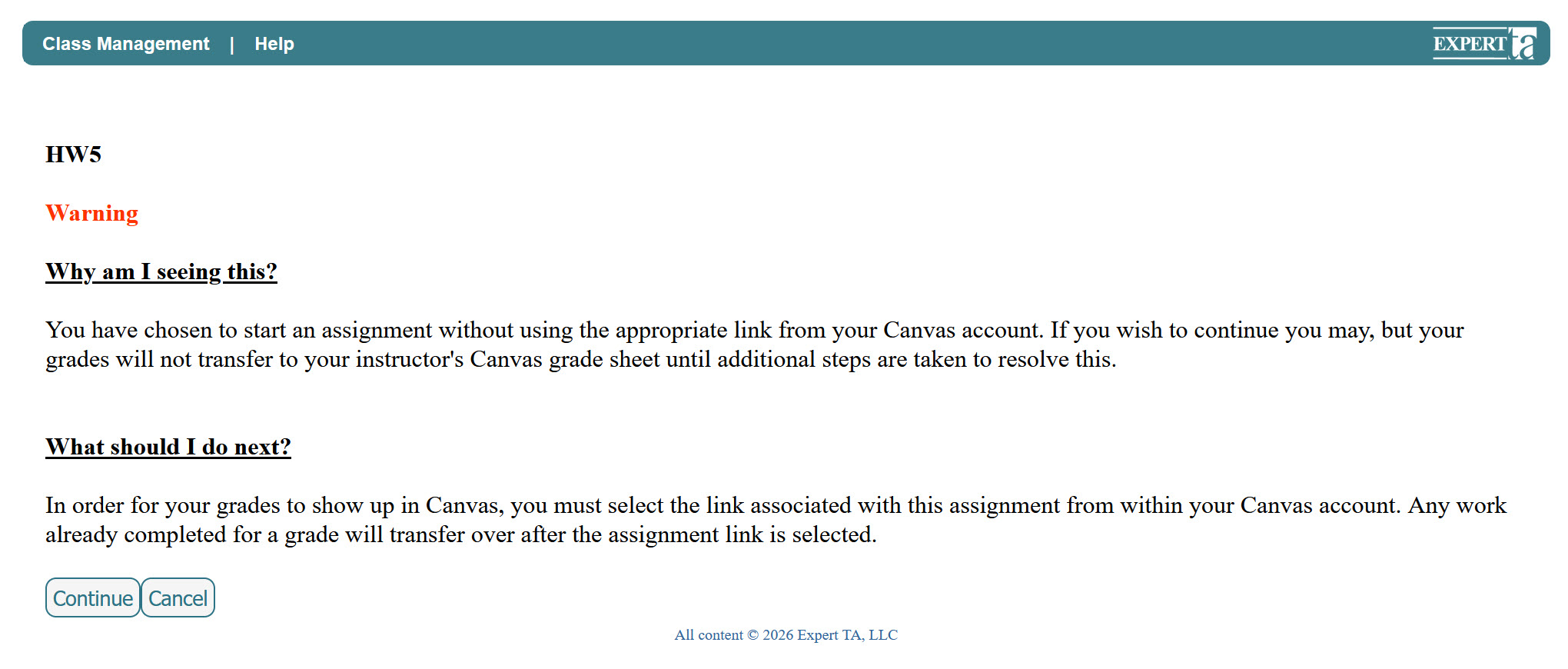
Why This Message Appears
When you click an assignment link in your LMS, the system sends a packet of information to Expert TA that allows your grades to sync back to your LMS.
If this information is incomplete or missing, the warning message will appear. This usually happens when:
- You navigate between assignments without returning to your LMS
- You access an assignment directly instead of using the LMS link
- An unstable internet connection or a temporary LMS outage prevents the packet from being received
What This Means
- You can still complete your assignment normally
- Your work will be saved in Expert TA
- However, your grades may not automatically sync to your LMS
How to Fix It
To sync your grades:
- Return to your LMS
- Click the assignment link for the specific assignment
This will restart the grade sync process. Grades typically appear in your LMS within 15–30 minutes.
- You may need to repeat this process
- It is recommended not to attempt syncing more than once per day
Additional Notes
- You can reopen the assignment link to trigger syncing even if the assignment is closed or expired
- In most cases, this will successfully sync your grade
If your grade does not sync after multiple attempts:
- Contact your instructor
- Let them know which assignment is affected
- Your instructor can manually upload grades into your LMS if needed
Important
- Always access assignments through your LMS to ensure proper grade syncing
- Skipping the LMS link is the most common cause of this warning message
Was this article helpful?
That’s Great!
Thank you for your feedback
Sorry! We couldn't be helpful
Thank you for your feedback
Feedback sent
We appreciate your effort and will try to fix the article